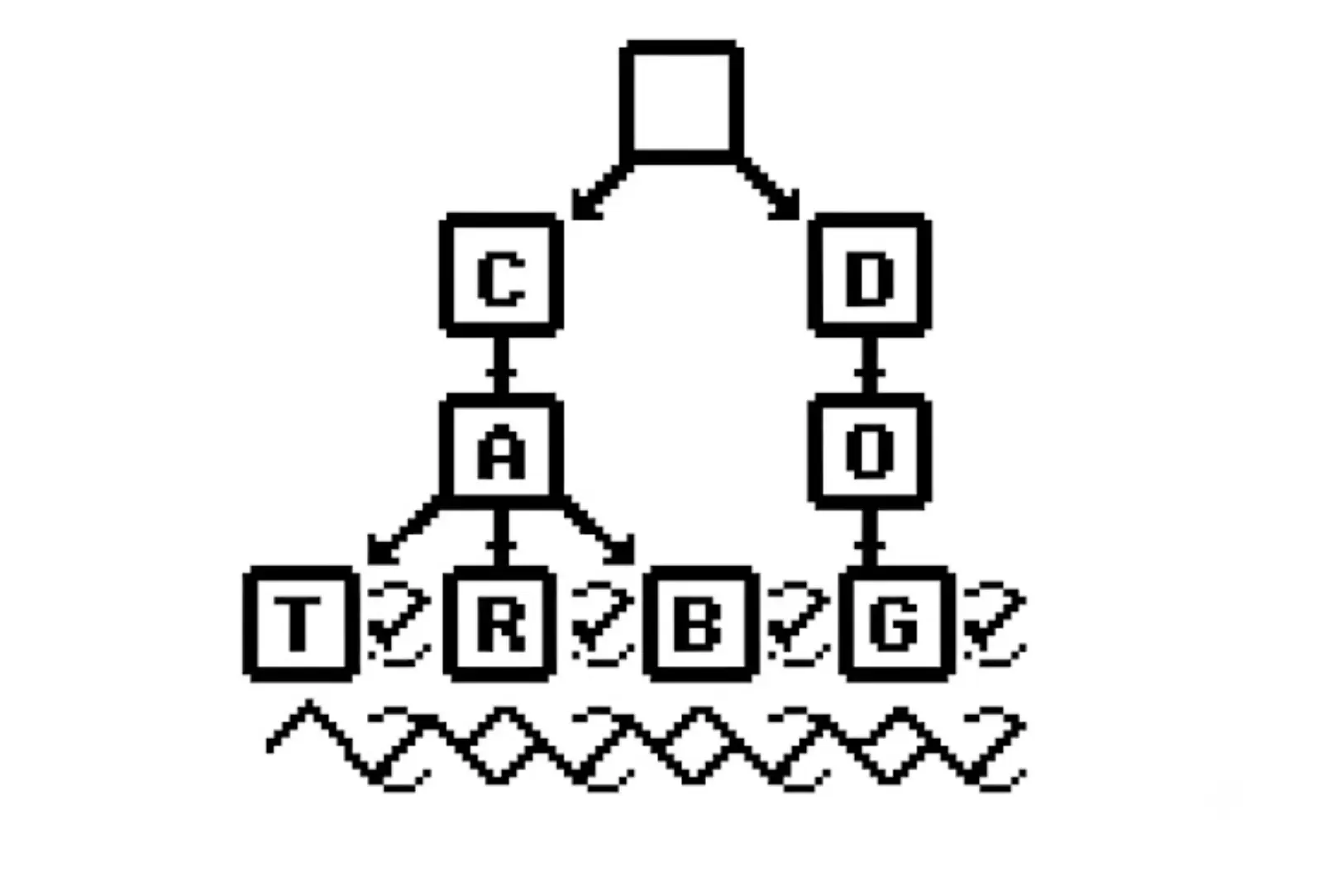
Building a Weighted, Categorized Trie with Python and LLMs
Ever wonder how search bars seem to know what you're thinking? You type ca and instantly get "cat food", "camera", or "cable organizer" sorted by exactly what you’re most likely to buy.
Behind this is a classic, ultra-fast data structure known as the Trie (pronounced "try"). But a basic Trie isn’t enough for modern search. To make it truly smart, we need to add weights (popularity) and categories (context).
Let's break down how a Trie works, how to upgrade it, and how to use an LLM pipeline to feed it real-world product data.
What is a Trie? (The Prefix Tree)
A Trie is a tree-like data structure used to store a dynamic set of associative keys, usually strings. Unlike a standard binary search tree, no node in the Trie stores the key associated with that node. Instead, its position in the tree defines the key.
Think of it like spelling a word path-by-path. If we want to store the words "car", "cart", and "cat", they all share the common prefix "ca". Instead of storing the letter "c" and "a" three separate times, we share those nodes.
A Simple Visual Representation:
By traversing down from the root, we can check if a prefix exists in $O(L)$ time, where $L$ is the length of the word. This is incredibly fast and independent of how many millions of words may be in the database.
Upgrading the Trie: Weights & Categories
A standard Trie only tells you that the word exists in your database. To build a real-world autocomplete, we need additional context. Here's two things that can hel[]:
- Weights: If a user types
ca, should we suggest "cable" or "camera" first? We need a weight (search volume, sales data, or relevance score) to sort our suggestions. - Categories: We want to know where this token belongs. Is "camera" in Electronics or Toys? Categorizing our tokens allows us to show scoped suggestions (like "camera in Electronics").
The Modern Data Pipeline: LLMs + Product Exports
How do we actually get the high-quality tokens, weights, and categories to fill our Trie?
Instead of manually guessing search terms, we can build a pipeline using a Large Language Model (LLM) to parse a raw product export (like a CSV/TSV from a Shopify or custom SQL database).
Step 1: The LLM Parser
We feed product titles and descriptions to an LLM to extract high-value search terms (both single-word and multi-word tokens).
Example Input:
Title: "Logitech MX Master 3S Wireless Ergonomic Mouse" Description: "High-performance wireless office mouse with ultra-fast scrolling and ergonomic design." Category: "Electronics"
LLM Prompt Strategy:
Analyze the product title and description. Extract a JSON list of key phrases (1-3 words) that users are highly likely to type when searching for this product.
Assign the most relevant product category to each phrase.
LLM Output:
wireless mouse(Category: Electronics)ergonomic mouse(Category: Electronics)MX Master 3S(Category: Electronics)
Step 2: Calculating Weights
Once we have these raw tokens, we aggregate them and assign a weight. The weight isn't random, it can be calculated using:
Weight = (Frequency of Token × 0.3) + (Product Units Sold × 0.7)
Please note, this equation expects the user to have the "Product Units Sold" as a variable. This pushes the best-sellers to the top of the list, and helps balance pure keyword matching with actual customer behavior. That said, if you don't have this number on hand its okay just to take into account the "Frequency of Token".
This gives us a clean, bootstrapped dataset ready to be loaded into our Trie.
Bootstrapping with a Simple CSV
Before building a massive real-time database, we can easily prototype and boot up our Trie using a simple flat CSV file of tokens, weights, and categories:
token,weight,categories
wireless mouse,95.5,Electronics
ergonomic mouse,80.0,Electronics|Office
mx master 3s,99.0,Electronics
mechanical keyboard,92.0,Electronics|Office
coffee maker,85.0,Kitchen|Appliances
The Python Implementation
Here's some Python code to represent the weighted, categorized Trie which is loaded directly from the CSV.
import csv
import io
from typing import Dict, List, Optional, Set, Tuple


class TrieNode:
    """Represents a single character node in the Weighted Trie."""
    def __init__(self) -> None:
        self.children: Dict[str, TrieNode] = {}
        self.is_end: bool = False
        self.weight: float = 0.0
        self.categories: Set[str] = set()


class WeightedCategorizedTrie:
    """A Trie that stores tokens with weights and associated categories."""
    def __init__(self) -> None:
        self.root: TrieNode = TrieNode()

    def insert(self, token: str, weight: float, categories: List[str]) -> None:
        """Inserts a token with a weight and associated categories into the Trie."""
        node = self.root
        # Normalize to lowercase for case-insensitive searching
        normalized_token = token.lower().strip()

        for char in normalized_token:
            if char not in node.children:
                node.children[char] = TrieNode()
            node = node.children[char]

        node.is_end = True
        # Keep the maximum weight if the token is inserted multiple times
        node.weight = max(node.weight, weight)
        node.categories.update(categories)

    def get_suggestions(self, prefix: str) -> List[Tuple[str, float, List[str]]]:
        """
        Returns a list of matching tokens with their weights and categories,
        sorted by weight in descending order.
        """
        node = self.root
        normalized_prefix = prefix.lower().strip()

        # Step 1: Navigate to the end of the prefix
        for char in normalized_prefix:
            if char not in node.children:
                return []
            node = node.children[char]

        # Step 2: Perform DFS to gather all complete words under this prefix
        suggestions: List[Tuple[str, float, List[str]]] = []
        self._dfs(node, normalized_prefix, suggestions)

        # Step 3: Sort by weight (highest priority first)
        suggestions.sort(key=lambda item: item[1], reverse=True)
        return suggestions

    def _dfs(self, node: TrieNode, current_prefix: str, suggestions: List[Tuple[str, float, List[str]]]) -> None:
        """Helper method to recursively find all words down the tree."""
        if node.is_end:
            suggestions.append((current_prefix, node.weight, list(node.categories)))

        for char, child_node in node.children.items():
            self._dfs(child_node, current_prefix + char, suggestions)


# --- Bootstrapping Helper ---

def load_trie_from_csv(csv_data: str) -> WeightedCategorizedTrie:
    """Helper to parse raw CSV data and populate our Trie."""
    trie = WeightedCategorizedTrie()
    f = io.StringIO(csv_data.strip())
    reader = csv.DictReader(f)

    for row in reader:
        token = row["token"]
        weight = float(row["weight"])
        # Split categories by the pipe symbol '|'
        categories = [cat.strip() for cat in row["categories"].split("|") if cat.strip()]
        trie.insert(token, weight, categories)

    return trie
Let's run a quick test:
if __name__ == "__main__":
    # Sample CSV data
    raw_csv = """token,weight,categories
wireless mouse,95.5,Electronics
ergonomic mouse,80.0,Electronics|Office
mx master 3s,99.0,Electronics
mechanical keyboard,92.0,Electronics|Office
coffee maker,85.0,Kitchen|Appliances"""

    # Initialize and load the Trie
    search_trie = load_trie_from_csv(raw_csv)

    # Search for prefix "m"
    query = "m"
    results = search_trie.get_suggestions(query)

    print(f"Suggestions for prefix '{query}':")
    for token, weight, categories in results:
        print(f" -> {token} (Weight: {weight}) [Categories: {', '.join(categories)}]")
Output:
Suggestions for prefix 'm':
 -> mx master 3s (Weight: 99.0) [Categories: Electronics]
 -> mechanical keyboard (Weight: 92.0) [Categories: Electronics, Office]
Notice how "mx master 3s" pops up first because it has a higher weight than "mechanical keyboard", even though they both start with "m"!
What the Code Built Under the Hood
To visualize exactly how our Python program structures this data in memory, here is a schematic of the Trie when loaded with our test CSV (trucated for viewability):
Using this setup, your frontend autocomplete client can make lightweight, sub-millisecond calls to get highly relevant, structured suggestions as fast as your users can type.